
cart
MENU
STEM

Pocket Apps: My Ultimate Pocket Kit

Ages 6-8 Years
Enrol Now
Overview
Highlights & Outcomes
Term Dates
Remarks
What you need to know...

Overview

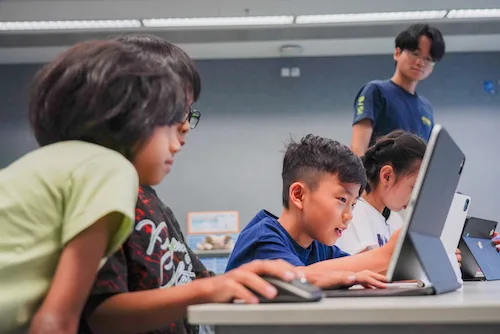
In Pocket Apps, students design and code a personalised collection of ten mini‑apps, such as disco flashlights, mood trackers, secret message boxes, and study timers using HTML, CSS, and JavaScript.

Instead of just tapping through pre-made apps, children discover how everyday needs can be solved with simple tools they create and actually use. Each session blends creativity, problem‑solving, and hands‑on coding, empowering young learners to see their device as something they can shape, not just something they consume.

By creating tools they can use in their daily lives, students develop an “App Developer” mindset, viewing everyday hurdles as problems they can solve with a simple, well‑coded script.
Upon completing the course, students will receive:
A certificate
Coding - minecraft

Highlights & Outcomes

01
Explore how HTML, CSS, and JavaScript work together to build simple, interactive tools on the screen
02
Explore real-life problems they can solve, so coding feels useful and connected to their day
03
Learn to structure apps with buttons, inputs, and layouts, giving each mini‑tool a clear, child-friendly interface
04
Learn to use basic logic, state changes, and simple calculations to make their apps react intelligently to user actions
05
Create a polished “Daily Dashboard” that organises all their mini‑apps into one professional-looking pocket toolkit they can proudly show family and friends
2025-2026 Programmes Now Out! Check Term Dates Here:
Learn More

Remarks

ESF Explore offers various programmes suitable for all ages up to the Secondary level. Other than STEM courses, we have programmes for Arts, Sports, Language, and Playgroups for young ones.

Check out our Term Dates in the link above by clicking “Learn More”.

Late enrolments are accepted at pro-rata rates. So jump in anytime!

What you need to know...

Compulsory Equipment:

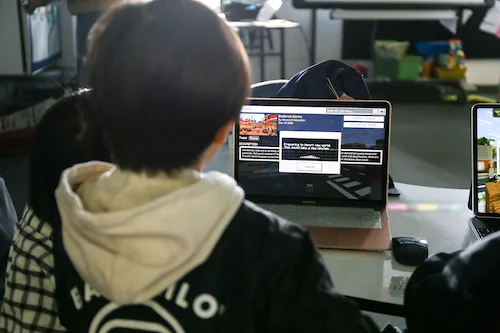
Students need to prepare their Laptop (Windows / MacBook) with Web Browsers [Chrome (at least version 66) /Firefox (at least version 59) / Safari (at least version 11)].